注意
在为 iOS 开发 Slint应用程序时,你只能使用 Rust 作为编程语言。
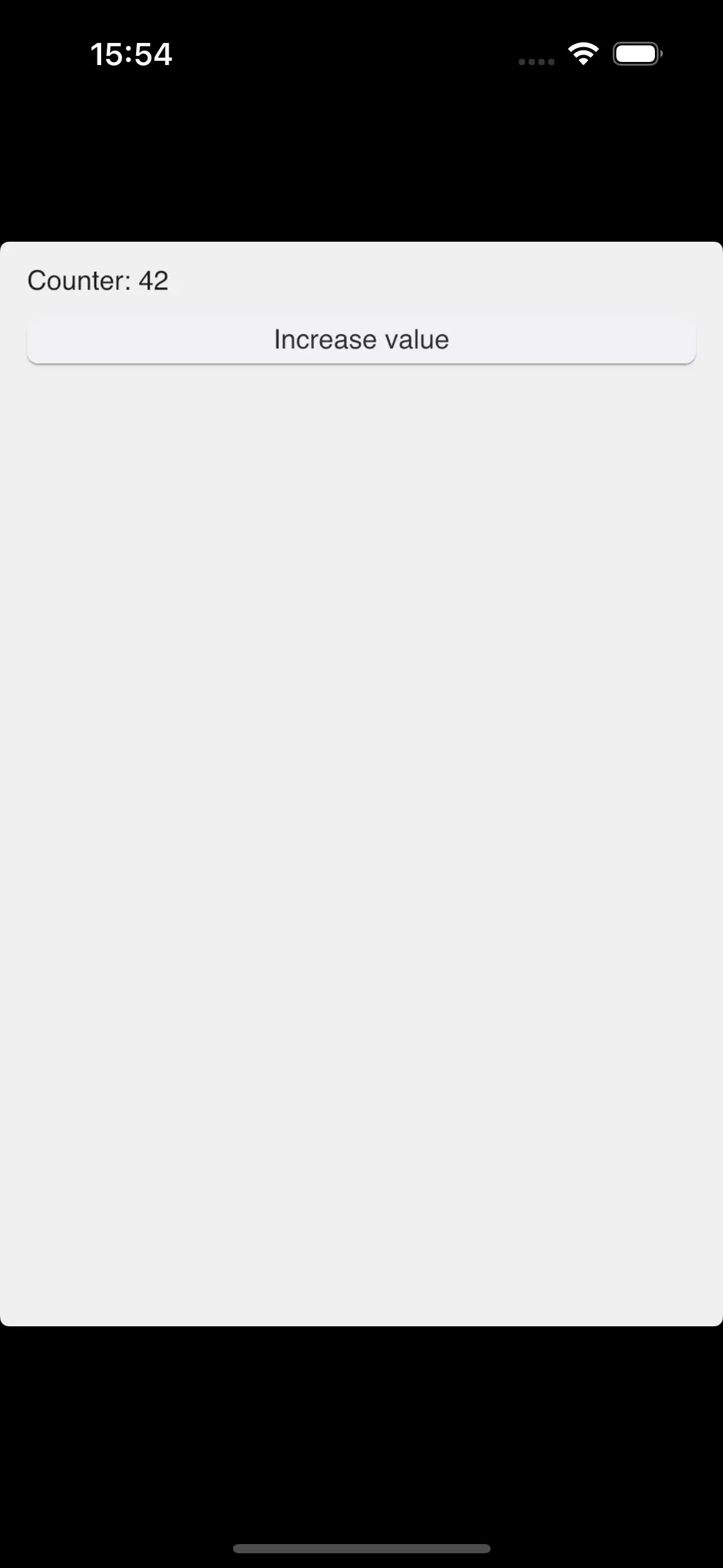
基于 Rust 的 Slint应用程序可以交叉编译到 iOS,并在 iPhone、iPad及其各自的模拟器上运行。这是通过 Winit 后端和 Skia渲染器实现的。
先决条件
- 运行 macOS 的计算机。
- 最新版本的 Xcode。
- Xcodegen。
- Rust
- Rust设备和模拟器工具链。运行
rustup target add aarch64-apple-ios和rustup target add aarch64-apple-ios-sim来添加它们。
将 iOS 支持添加到现有的 Rust应用程序
以下步骤假定你已准备好一个带有 Slint 的 Rust应用程序。如果你刚刚开始,请使用我们的 Slint Rust模板来运行一个最小的应用程序。
使用 XCode 构建、部署和提交 iOS应用程序到 App Store。 使用 Xcodegen从最小描述创建 Xcode 项目。
- 通过运行以下命令验证你的应用程序可以在 iOS 上编译:
终端窗口
bash
cargo build --target=aarch64-apple-ios2.创建一个名为 project.yml 的文件,内容如下:
name: My Appoptions: bundleIdPrefix: com.companysettings: ENABLE_USER_SCRIPT_SANDBOXING: NOtargets: MyApp: type: application platform: iOS deploymentTarget: "12.0" info: path: Info.plist properties: UILaunchScreen: - ImageRespectSafeAreaInsets: false sources: [] postCompileScripts: - script: | ./build_for_ios_with_cargo.bash slint-rust-template outputFileLists: $TARGET_BUILD_DIR/$EXECUTABLE_PATHyml
根据需要调整名称、bundle id 和其他字段。
此配置文件通过 shell脚本将构建过程委托给 cargo。
注意
shell脚本使用 cargo生成的二进制文件的名称进行调用。更新它以匹配你的项目名称。
- 在一个名为
build_for_ios_with_cargo.bash的新文件中,粘贴以下脚本代码:
bash
#!/usr/bin/env bash# Copyright © SixtyFPS GmbH <[email protected]># SPDX-License-Identifier: GPL-3.0-only OR LicenseRef-Slint-Royalty-free-2.0 OR LicenseRef-Slint-Software-3.0
set -euvx
#修复 PATH 以解决 https://github.com/rust-lang/rust/issues/80817 并添加 cargo.export PATH="/usr/local/bin:/usr/bin:/bin:/usr/sbin:/sbin:$PATH:$HOME/.cargo/bin"
# 基于 https://github.com/mozilla/glean/blob/main/build-scripts/xc-universal-binary.sh
if [[ "$CONFIGURATION" != "Debug" ]]; then CARGO_PROFILE=release MAYBE_RELEASE=--releaseelse CARGO_PROFILE=debug MAYBE_RELEASE=fi
# 让 Cargo 将输出缓存文件放在 Xcode 的目录中export CARGO_TARGET_DIR="$DERIVED_FILE_DIR/cargo"
IS_SIMULATOR=0if [ "${LLVM_TARGET_TRIPLE_SUFFIX-}" = "-simulator" ]; then IS_SIMULATOR=1fi
executables=()for arch in $ARCHS; do case "$arch" in arm64) if [ $IS_SIMULATOR -eq0 ]; then CARGO_TARGET=aarch64-apple-ios else CARGO_TARGET=aarch64-apple-ios-sim fi ;; x86_64) export CFLAGS_x86_64_apple_ios="-target x86_64-apple-ios" CARGO_TARGET=x86_64-apple-ios ;; esac
 cargo build $MAYBE_RELEASE --target $CARGO_TARGET --bin $1
 executables+=("$DERIVED_FILE_DIR/cargo/$CARGO_TARGET/$CARGO_PROFILE/$1")done
#合并可执行文件,并将它们放在 Xcode期望的输出路径lipo -create -output "$TARGET_BUILD_DIR/$EXECUTABLE_PATH" "${executables[@]}"
#强制每次运行都进行代码签名以进行设备构建(非模拟器)if [ $IS_SIMULATOR -eq0 ]; then codesign --force --sign "${EXPANDED_CODE_SIGN_IDENTITY}" --entitlements "${TARGET_TEMP_DIR}/${PRODUCT_NAME}.app.xcent" "${TARGET_BUILD_DIR}/${EXECUTABLE_PATH}"fi- 使用
chmod +x build_for_ios_with_cargo.bash使脚本可执行。 - 运行
xcodegen创建My App.xcodeproj,并在 Xcode 中打开它。现在你可以构建、部署和调试你的 iOS应用程序了。